

An investment in the future of your business
The success of every project relies on precise preparation. Arhigon handles everything standing between you and the actual professional work—setting up formulas, reconciling versions from subcontractors, and searching for items in old Excel files—leaving you to focus on what builds your reputation: a high-quality, accurate, and timely project. The time you used to spend on formulas, copying, and rearranging becomes time for new projects or your family.
Process example: Searching for and inserting an item from your own bills of quantities
1. New item
the form opens exactly where you want it
![2. Searching for items [1–3 min]](https://test.arhigon.com/storage/images/modules/1/process_icon_2/vidu-image-3371810083199385-1.png)
2. Searching for items [1–3 min]
type parts of terms (e.g., "bet trak tem") to retrieve all items from all bills of quantities
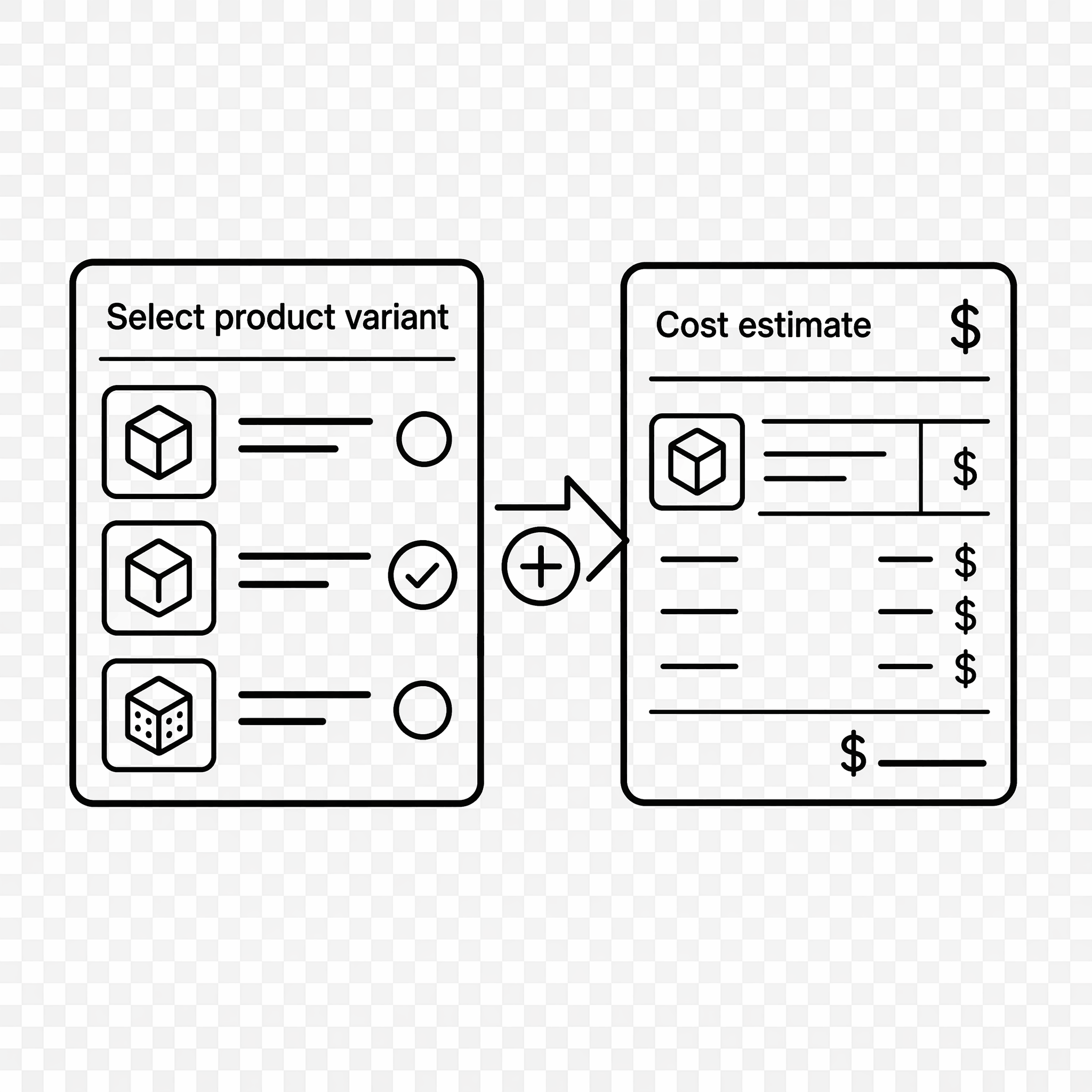
3. Selecting a variant and inserting it into the bill of quantities
automatic formulas, formatting, and renumbering
![4. Continuing work [1 min]](https://test.arhigon.com/storage/images/modules/1/process_icon_4/vidu-image-3371810354304673-1.png)
4. Continuing work [1 min]
without disturbing colleagues or losing focus

Fast and easy handling of items and groups
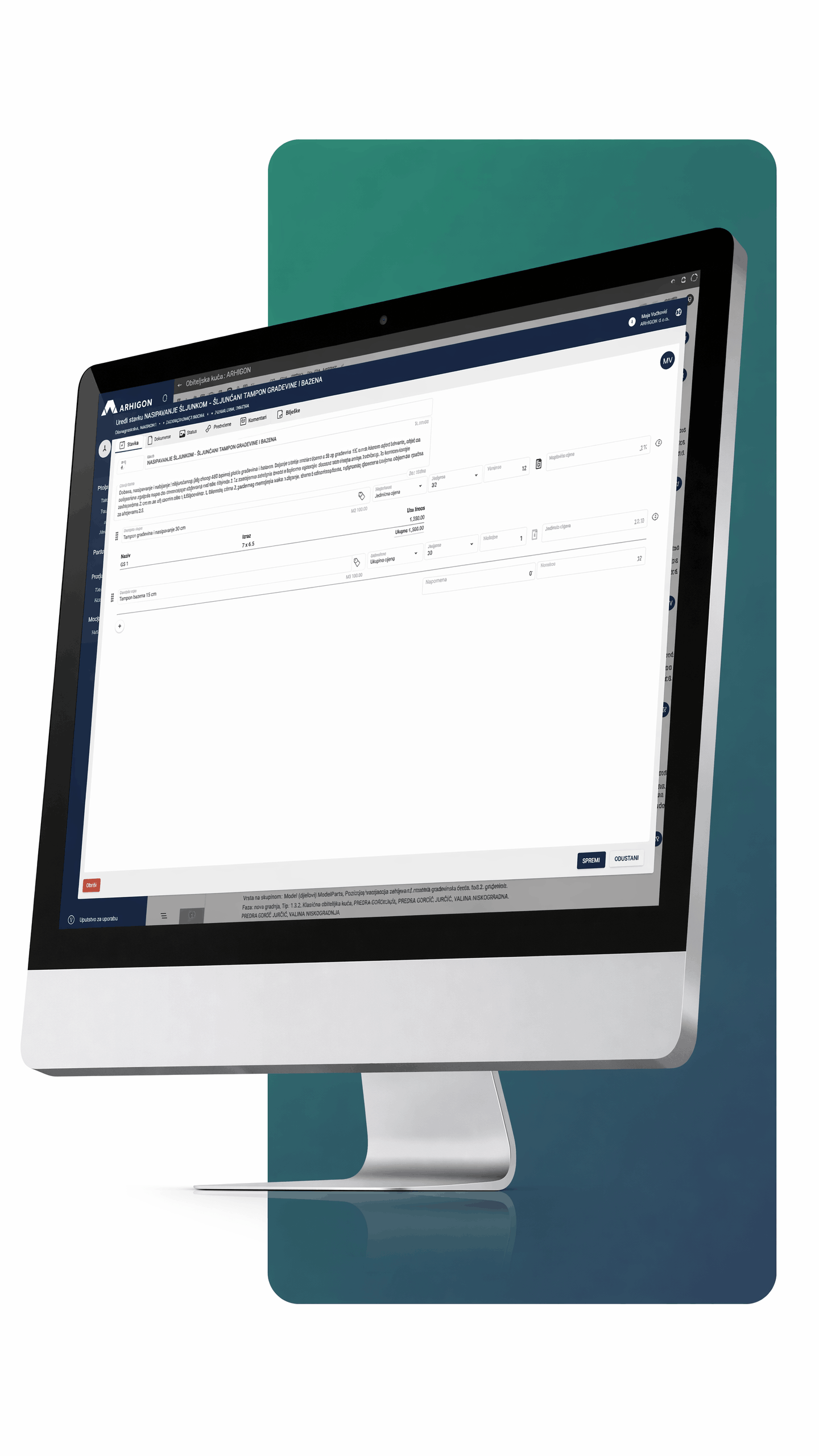
Items can be created in three ways: by direct entry, by copying from external sources, or from an extensive item database. Everything is designed for rapid creation, supporting an unlimited number of groups, subgroups, and items.
-

Three ways to input items: manually, from Excel, or from a database
-
Unlimited groups, items, and sub-items
-
Images, certificates, and links: attach documentation to every item
-
Change history: every change tracks the author and timestamp
Real-time work coordination with collaborators
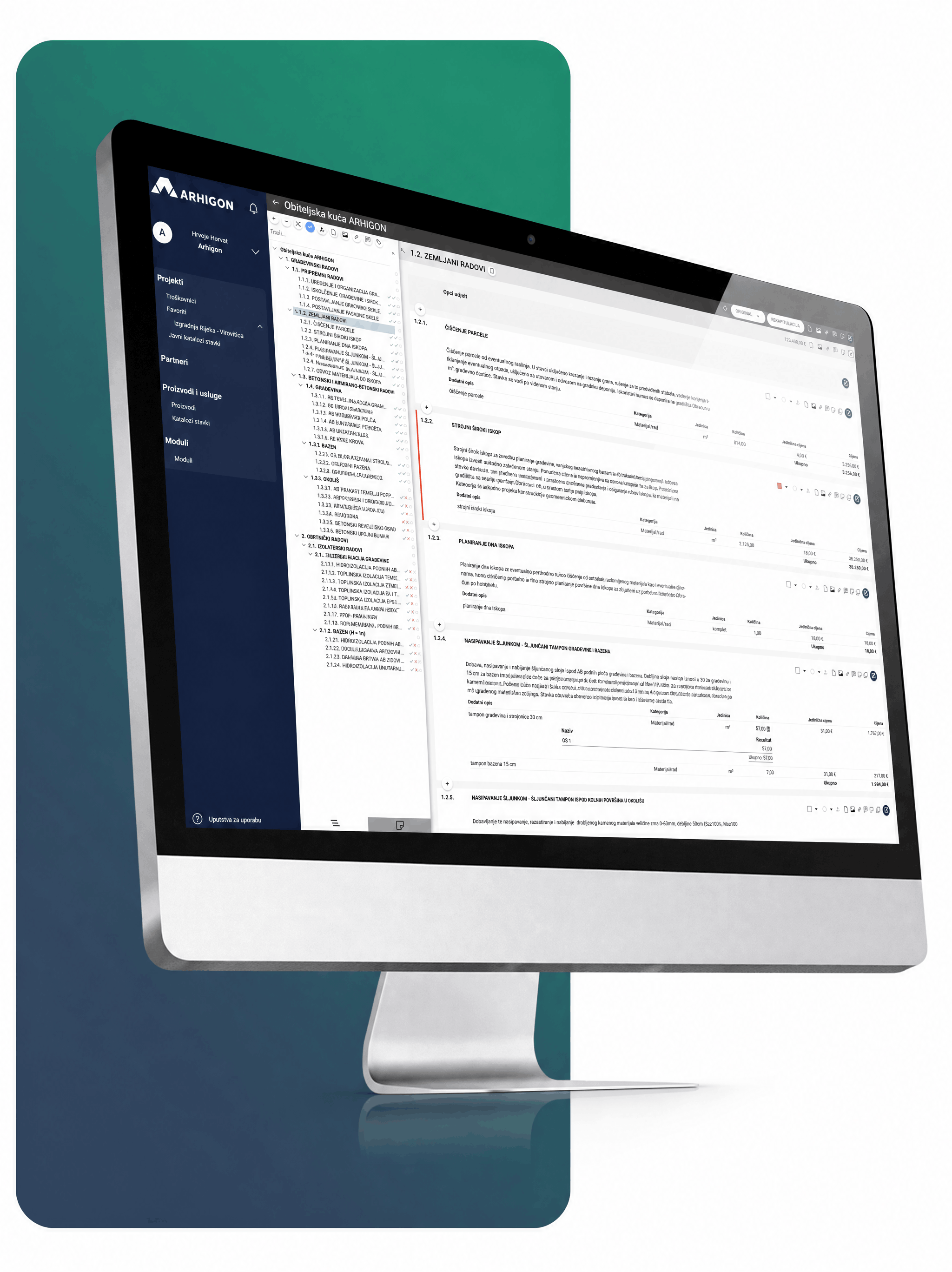
Centralized work on bills of quantities allows teams to see colleagues' contributions in real-time—eliminating communication gaps and version loss.
-

Real-time collaboration: the entire team sees changes instantly
-
Access from any device (PC, tablet, or mobile) with no installation required
-
Comments and files: exchange information directly within the platform for each item
-
Access levels: view, edit, or admin rights assigned per user
-
Change traceability: who changed what and when
-
Export to Excel and PDF: with or without prices, for the entire estimate or selected groups
Price list
Basic
12.50 €* / Monthly
Per user- Number of users 15
- Storage 1GB
- Support 72 h
- Total annual 300.00 €*
Advanced
9.00 €* / Monthly
Per user- Number of users 5
- Storage 5GB
- Support 48 h
- Total annual 540.00 €*
Professional
6.00 €* / Monthly
Per user- Number of users 15
- Storage 25GB
- Support 24 h
- Total annual 1,080.00 €*
Enterprise
Upon request
Prices exclude VAT and are per user on the bill of quantities. For larger packages: info@arhigon.com
Fewer errors. More control.
Better results. — Start today.
Experience the advantage of standardized processes.
User Area
Frequently asked questions
What is Arhigon?
Arhigon is a digital platform for bill of quantities creation and construction project management, replacing Excel with a modern tool that connects designers, manufacturers, investors, and contractors in one place; currently used by 110+ companies with active subscriptions.
What happens to my data if I stop using Arhigon?
Data remains available for a limited period after subscription ends so you can export your documents and item databases, after which it is deleted except for legally required records (exact retention period to be confirmed).
Is customer support available?
Yes, via info@arhigon.com; response time depends on the package (72h for Basic, 24h for Professional), and active users also get access to a user manual.
How can I share a bill of quantities with my team or clients?
ou can invite collaborators directly via email with different access levels (view, edit, admin), while clients and investors can follow the project without installing any software.
Does Arhigon support multiple currencies?
The primary currency is the euro, but the system also supports other currencies for international projects; for specific currency setup, contact support.
How does Arhigon improve bill of quantities creation?
It automates calculations, enables real-time collaboration on the same document, and provides access to item databases (custom, shared, and manufacturer-provided), resulting in faster preparation, fewer calculation errors, and a clear change history.
Can I access Arhigon from any device?
Yes, Arhigon is a web application that works in any modern browser on desktop, tablet, or mobile, with no installation required, only an internet connection and login.
Is Arhigon suitable for working on multiple projects at the same time?
Yes, you can manage an unlimited number of projects, assign collaborators to each project, and control access rights per item, with the entire team seeing changes in real time.
Is Arhigon secure to use?
Data is stored on servers within the European Union (Microsoft Azure), GDPR-compliant, and only authorized users granted access can view your data.
How quickly can I get started?
Registration takes less than a minute, and you can immediately create your first bill of quantities; the interface is intuitive and requires no training or special formulas.
Can I import existing bills of quantities from Excel?
Yes, you can copy items from Excel or upload entire files using the Arhigon importer, and your existing databases remain usable.
Can I export a bill of quantities to Excel?
Yes, export to Excel or PDF with or without unit prices, for the whole document or selected groups, in one click.