

Stress-free progress billing
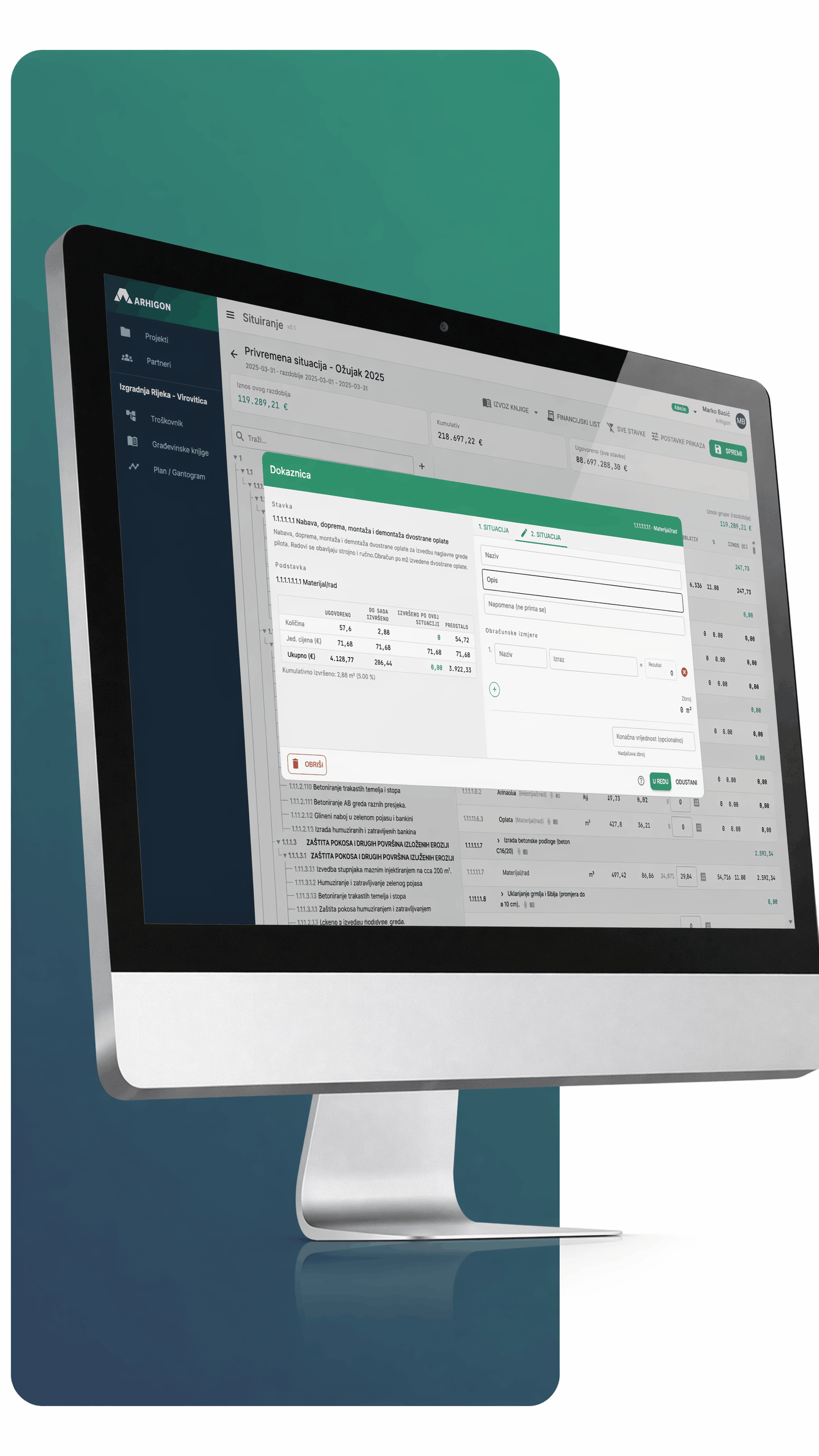
Calculating completed work doesn't have to consume days on paperwork and reconciliation. This feature provides a digital construction log and automated progress claim generation — transparent for all site participants.
1. Record completed work
Enter completed quantities and attach photos and certificates to the line items.
2. Preparation of the payment statement
An interim or final payment statement is generated from the approved report. 3

3. Approval and digital signature
Supervisor/investor approves; digital signature guarantees authenticity.
4. Export and accounting entry
Export the payment statement to PDF or an accounting format.

Every item tells the whole story
Each item includes executed quantities, photos, certificates, and links — fully documented and verifiable.
-

Photos and certificates / evidence for each item
-
Executed quantities / entry and tracking by item
-
Digital signature / authentic and verifiable
-
Full traceability / author and timestamp of every change
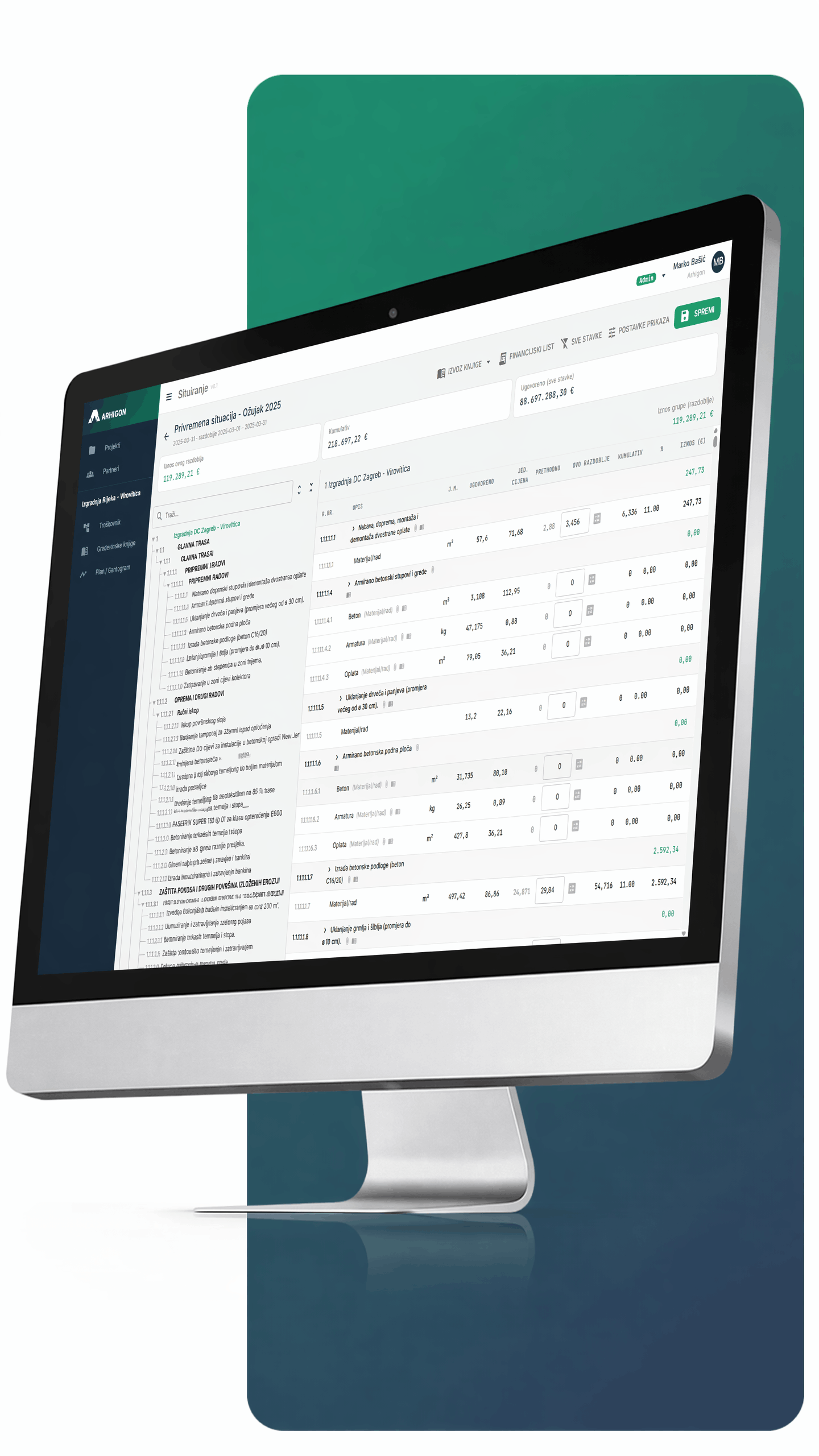
Everything connected, nothing lost
The payment statement process connects contractors, the supervisor, and the investor around the same data — from the bill of quantities and contract to the approved statement.
-

Interim and final payment statements / generated from approved reports
-
Multi-level approval / sequential approval by supervisor and investor
-
Linked to the bill of quantities and contract / no re-entry required
-
PDF export and accounting / ready for posting
-
Verification of executed quantities / item-by-item acceptance or rejection
-
Less paperwork and fewer disputes / everything documented in one place
Fewer errors. More control.
Better results. — Start today.
Experience the advantage of standardized processes.
User Area
Frequently asked questions
What is Arhigon?
Arhigon is a digital platform for bill of quantities creation and construction project management, replacing Excel with a modern tool that connects designers, manufacturers, investors, and contractors in one place; currently used by 110+ companies with active subscriptions.
What happens to my data if I stop using Arhigon?
Data remains available for a limited period after subscription ends so you can export your documents and item databases, after which it is deleted except for legally required records (exact retention period to be confirmed).
Is customer support available?
Yes, via info@arhigon.com; response time depends on the package (72h for Basic, 24h for Professional), and active users also get access to a user manual.
How can I share a bill of quantities with my team or clients?
ou can invite collaborators directly via email with different access levels (view, edit, admin), while clients and investors can follow the project without installing any software.
Does Arhigon support multiple currencies?
The primary currency is the euro, but the system also supports other currencies for international projects; for specific currency setup, contact support.
How does Arhigon improve bill of quantities creation?
It automates calculations, enables real-time collaboration on the same document, and provides access to item databases (custom, shared, and manufacturer-provided), resulting in faster preparation, fewer calculation errors, and a clear change history.
Can I access Arhigon from any device?
Yes, Arhigon is a web application that works in any modern browser on desktop, tablet, or mobile, with no installation required, only an internet connection and login.
Is Arhigon suitable for working on multiple projects at the same time?
Yes, you can manage an unlimited number of projects, assign collaborators to each project, and control access rights per item, with the entire team seeing changes in real time.
Is Arhigon secure to use?
Data is stored on servers within the European Union (Microsoft Azure), GDPR-compliant, and only authorized users granted access can view your data.
How quickly can I get started?
Registration takes less than a minute, and you can immediately create your first bill of quantities; the interface is intuitive and requires no training or special formulas.
Can I import existing bills of quantities from Excel?
Yes, you can copy items from Excel or upload entire files using the Arhigon importer, and your existing databases remain usable.
Can I export a bill of quantities to Excel?
Yes, export to Excel or PDF with or without unit prices, for the whole document or selected groups, in one click.